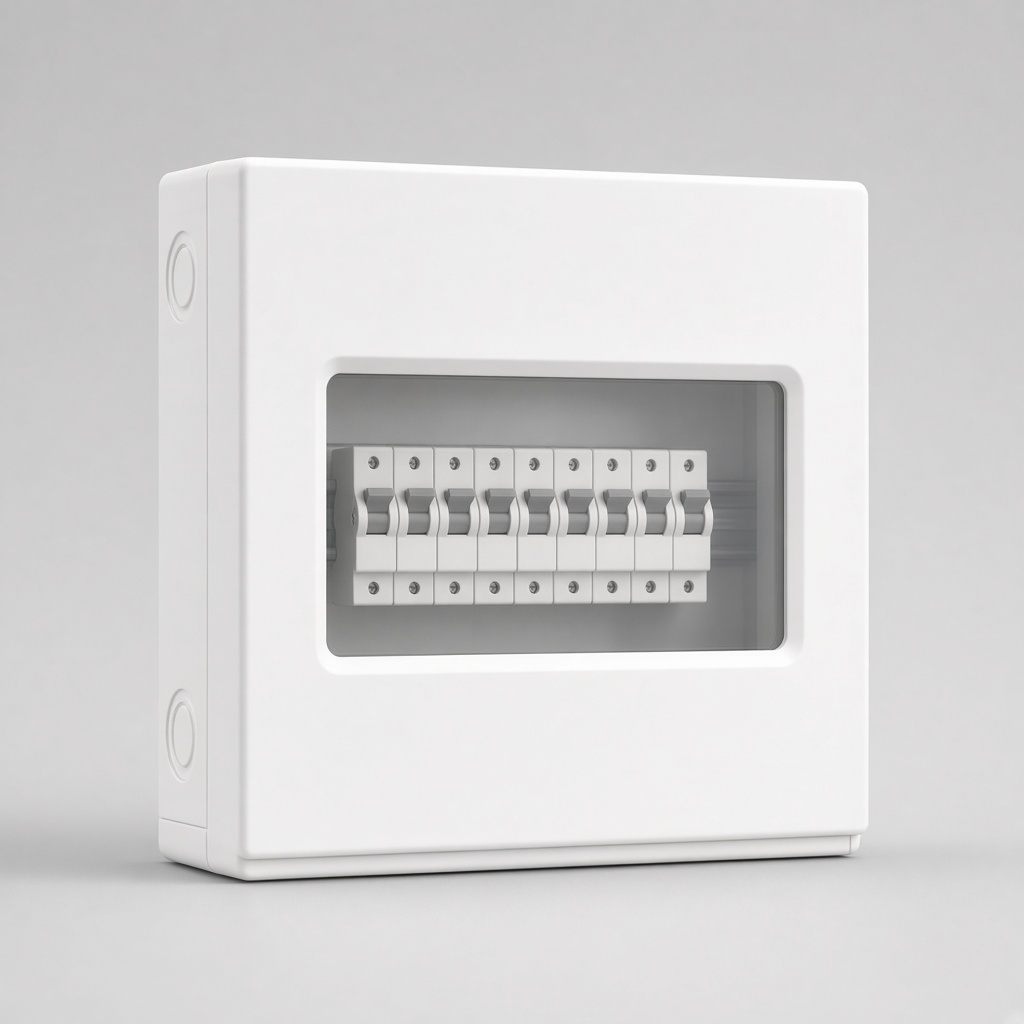
MCB box
₹1,499For Google Business Profile
Score a listing out of 100, see what is missing, and fix hours, photos, services and review replies from one screen.
41 /100
Audit score
15 checks on the listing
Business name
Category missing
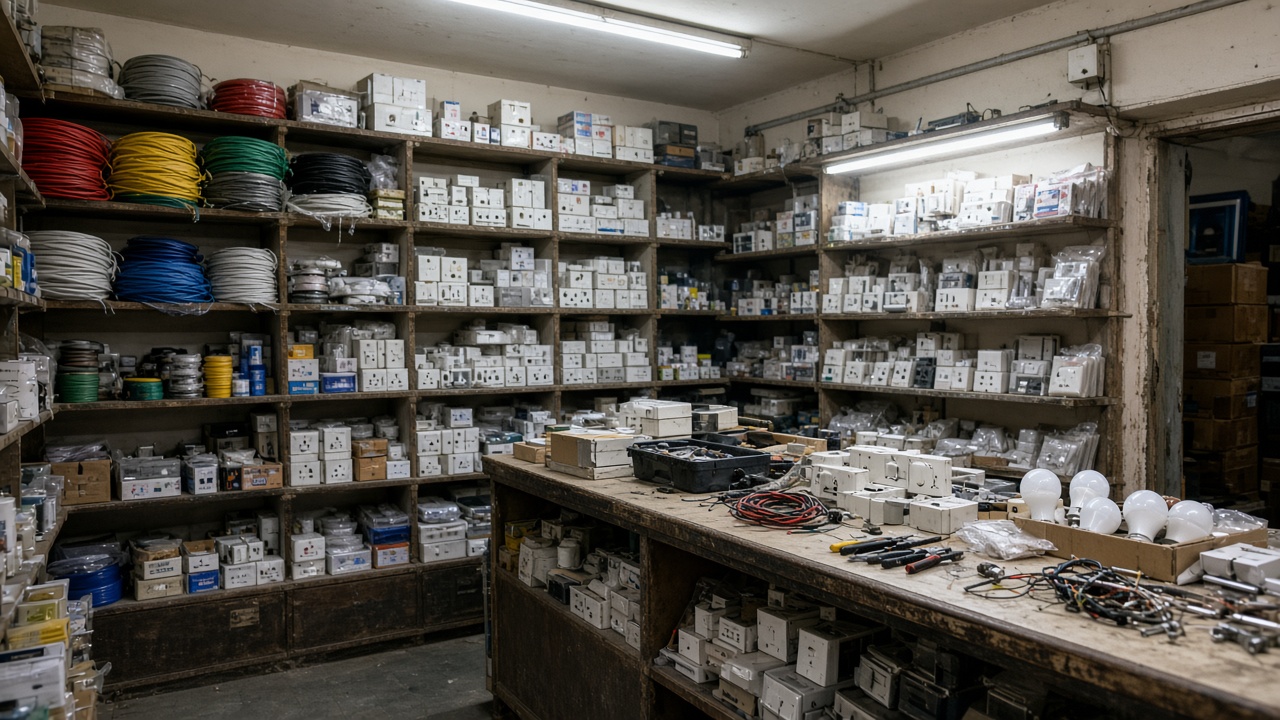 See photos
 See outside
Add a description so customers know what you do.
Service area
Service area not set
Products
No products yet
Business name
Category missing
See photos
See outside
Add a description so customers know what you do.
Service area
Service area not set
Products
No products yet
Web and Android · A product of HyperLink Innovations, Jodhpur
What you can fix
Google spreads listing management across Search, Maps and a handful of half-hidden panels. Growbiz puts the fields that matter on one screen and tells you which ones are hurting you.
One number out of 100, backed by specific checks: missing cover photo, thin description, empty hours, unreplied reviews, photos older than 90 days.
Business name, categories, description, phone numbers, website, and the storefront address or service area — whichever your business actually uses.
Regular hours, plus special hours for festivals and inventory days, so customers stop arriving at a closed door.
Every review in one list, filtered by unreplied. Reply, edit and delete replies, and save templates for the answers you write every week.
Logo, cover, exterior, interior, team and product photos, uploaded and categorised properly instead of dumped into one pile.
Write an update, offer or event once, attach a call-to-action, and let Growbiz publish it at the time you chose.
How it works
Use the Google account that already manages the listing. Google asks you to approve Business Profile access.
Growbiz lists the locations on that account. Choose one and it pulls the current profile from Google.
A score out of 100 with a specific list of what is missing, ordered by how much it costs you.
Edit in Growbiz. The change is written to Google, then the cache re-syncs so what you see is what is live.
Pricing
One location, the full audit, editing, photos and review replies — free. Paid plans add more locations, scheduled posts and the weekly digest.
One location, permanently
$0forever
Most popular
More locations and automation
$19per month
Agencies and franchises Unlimited locations, team access and bulk edits — we scope this with you.
Talk to usNo credit card on Free. Cancel a paid plan any time and the account keeps one location.
FAQ
No. You sign in with Google, and Google asks whether you want to let Growbiz manage your Business Profile. We never see your password, and you can revoke access from your Google account at any time.
Only the listings the signed-in Google account already owns or manages. Growbiz cannot read or edit any other business on Maps, and it does not scrape Google.
No tool can promise that, and anyone who does is selling you something. What Growbiz does is remove the reasons Google has to show you less: missing categories, empty hours, no description, unanswered reviews, stale photos and dead links.
Google stays the source of truth. Growbiz keeps a cache so screens load fast, re-syncs on a schedule and when you open a location, and flags fields Google changed under you instead of quietly overwriting them.
The Android app is in progress and talks to the same API as the web app. The review inbox and photo upload from your camera roll are the features built for the phone first.
You can connect and see the audit, but Google rejects most write operations on an unverified listing. Growbiz shows your verification state so you know why an edit was refused rather than leaving you guessing.
Free audit
Sign in with the Google account that manages your business, and Growbiz scores your profile in about a minute. No credit card, and you can disconnect whenever you like.
Growbiz is not affiliated with, sponsored by, or endorsed by Google.